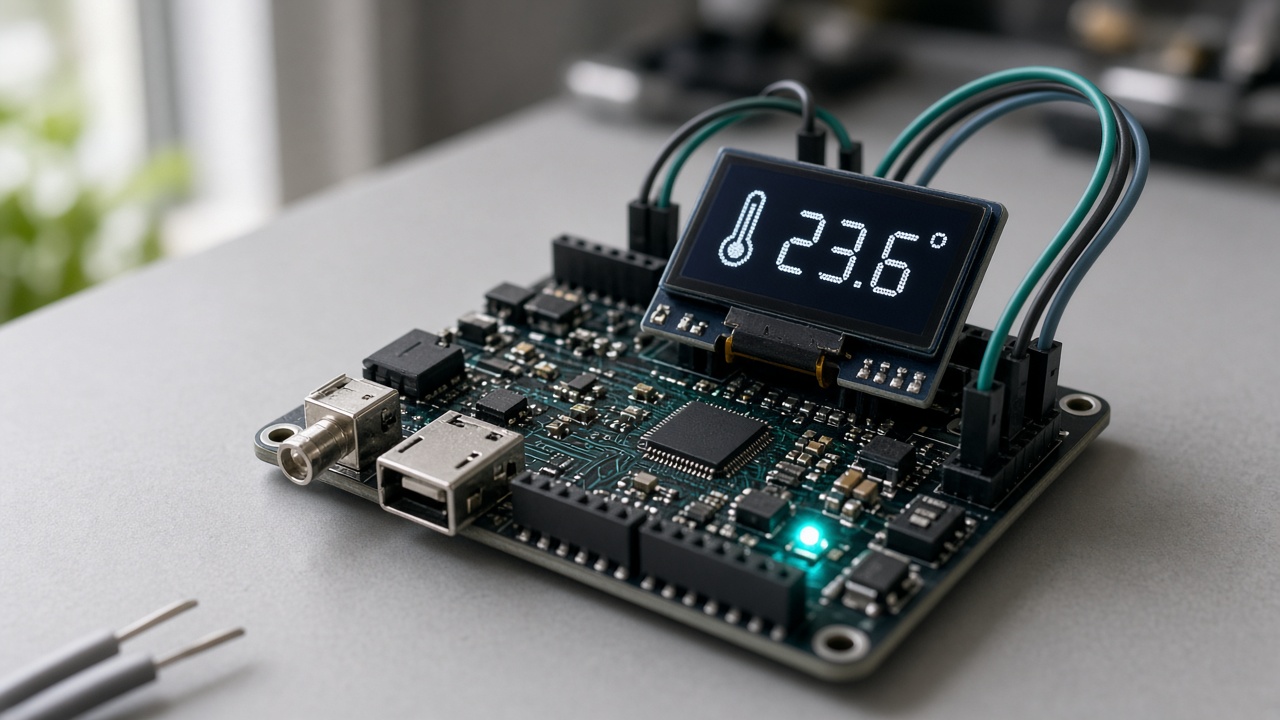
Device library
Pick a board. Flash it from the browser.
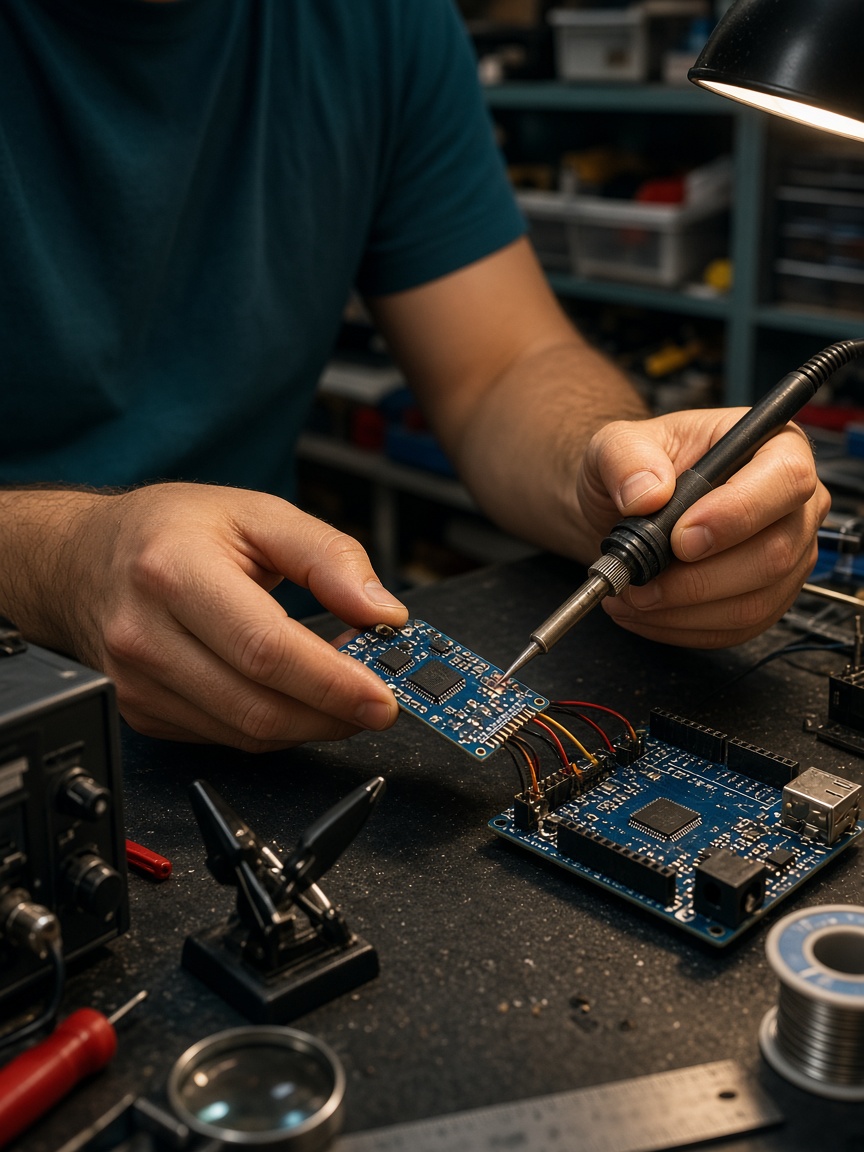
Ready-made templates for ESP32 and ESP8266 with setup guides, pinouts and a dashboard preset. Wi-Fi details never leave your machine.
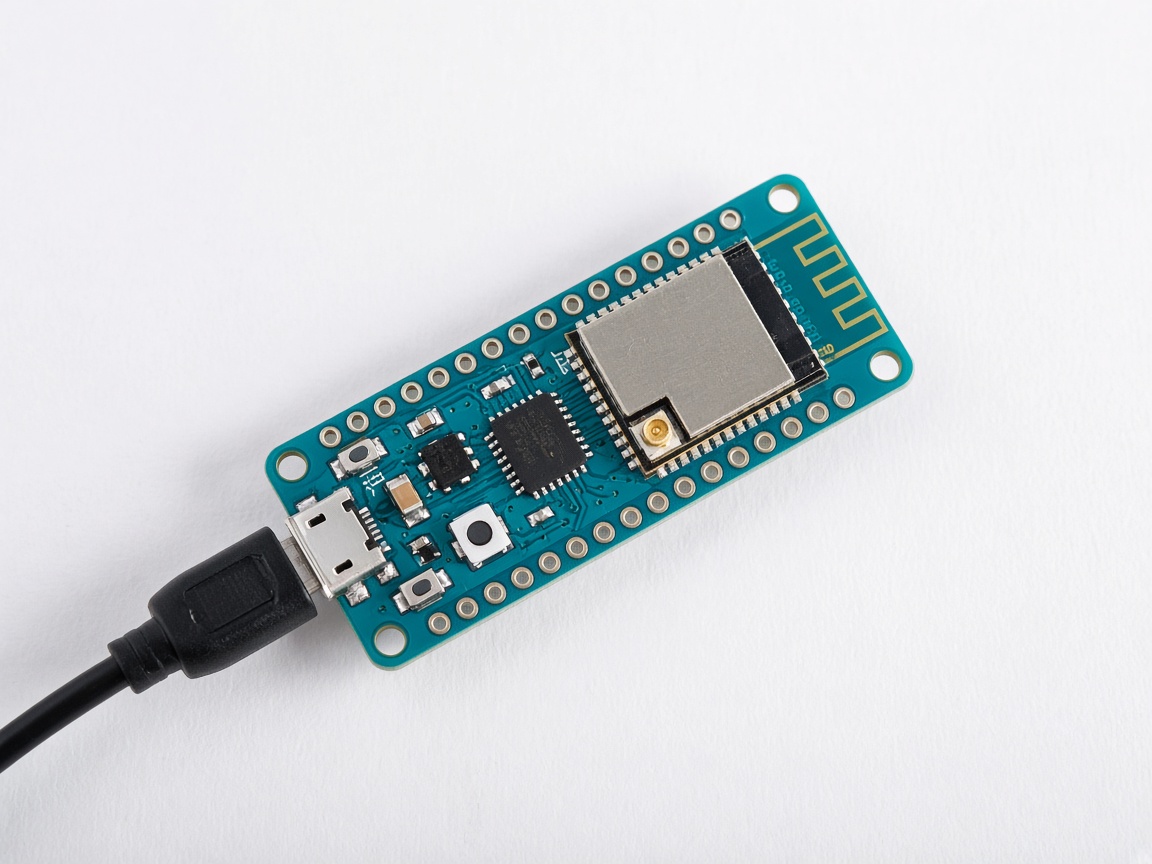
Managed MQTT/TLS · No broker to run
Flash an ESP32 or NodeMCU from the browser, watch telemetry arrive live, send commands, update over the air, and get alerted when a value crosses a limit.
v1/{org}/{project}/{device}/telemetry · MQTT 5 · QoS 1
Device library
Ready-made templates for ESP32 and ESP8266 with setup guides, pinouts and a dashboard preset. Wi-Fi details never leave your machine.
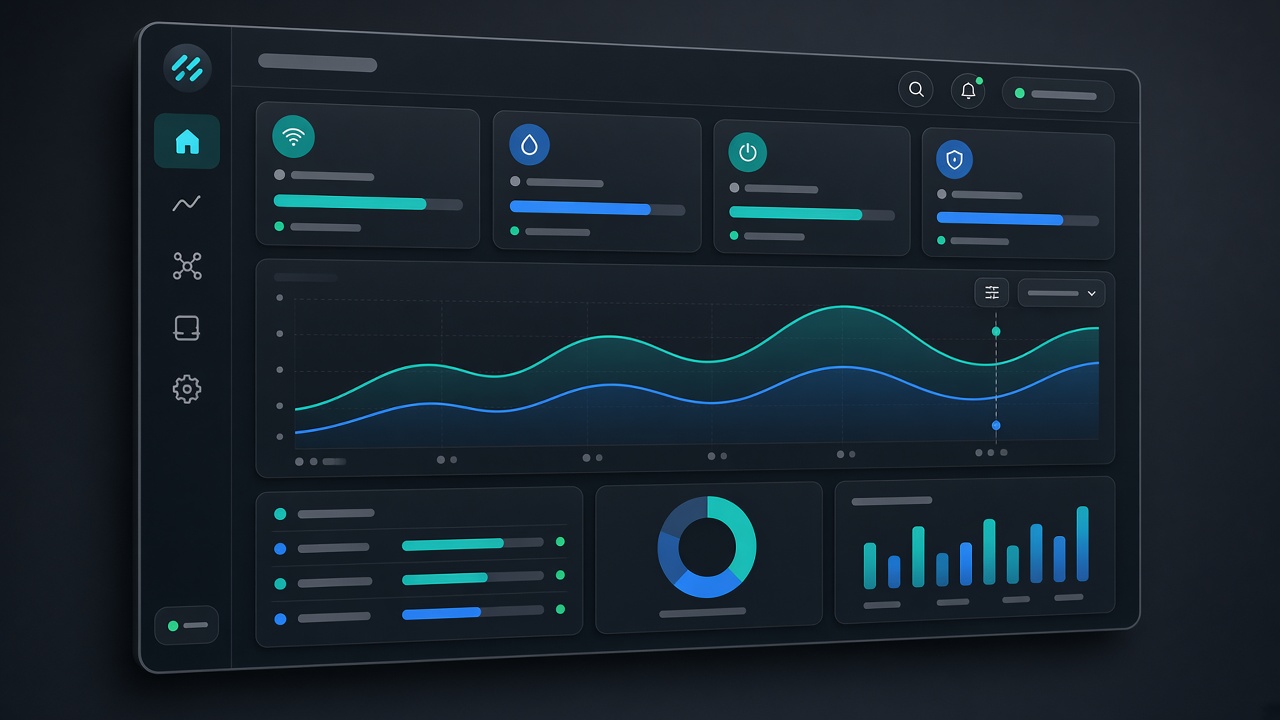
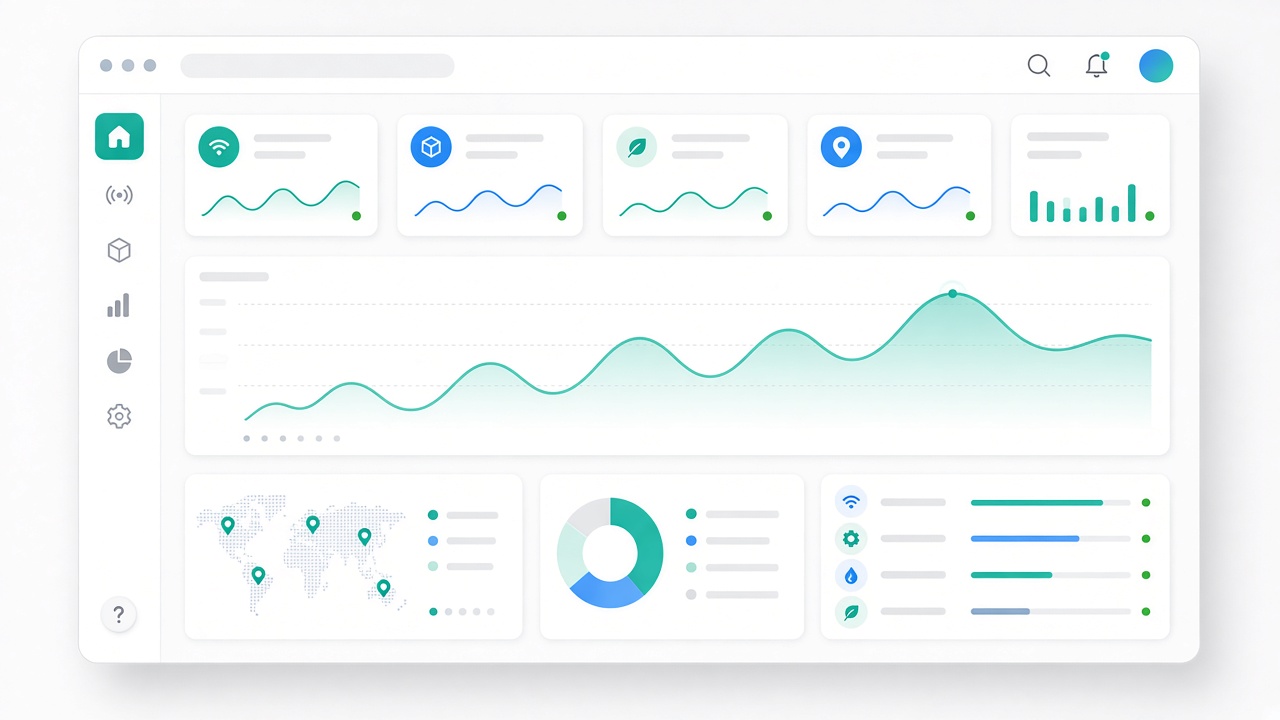
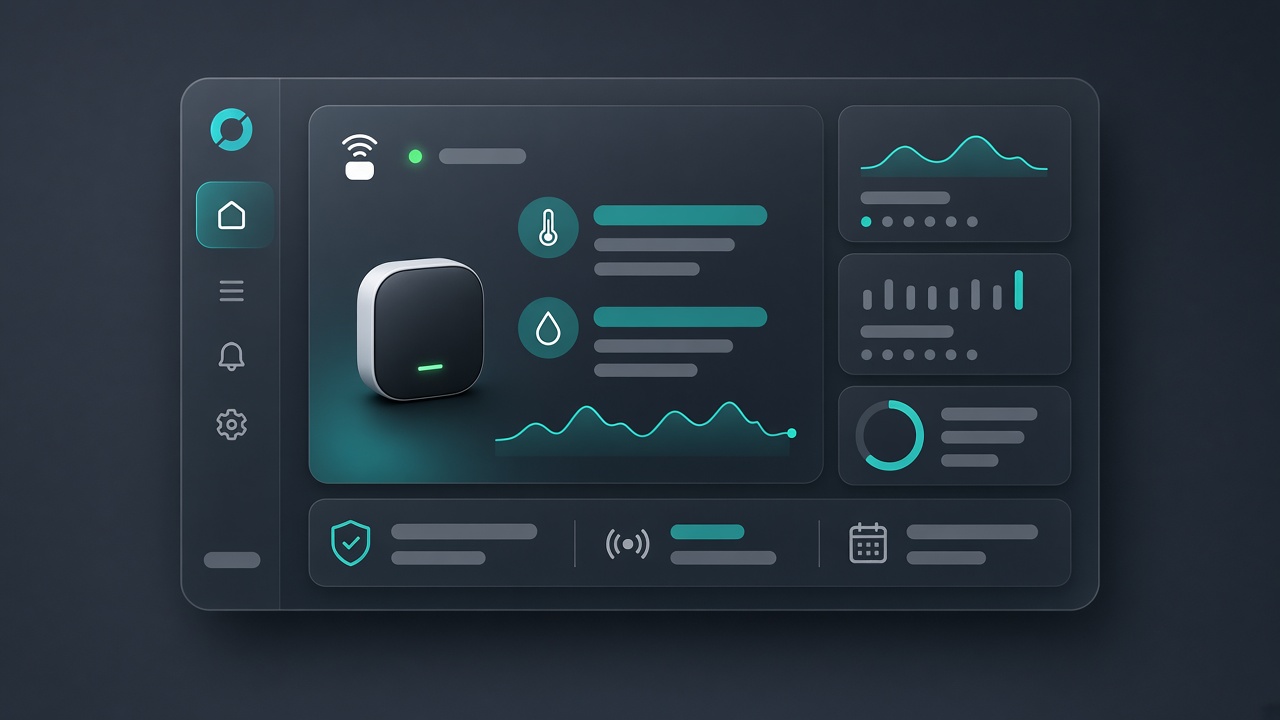
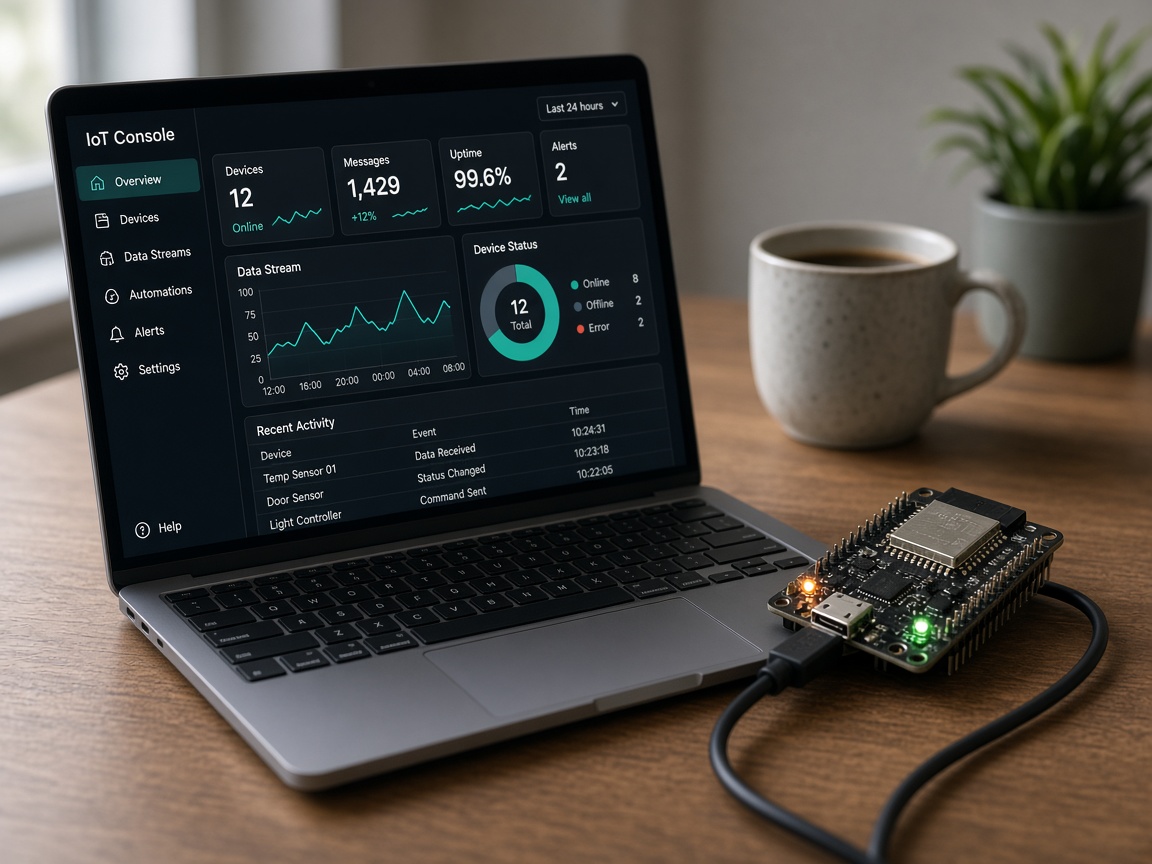
Live console
Every reading stored in TimescaleDB and streamed to the console as it lands — charts, latest values and rejected messages with reasons.
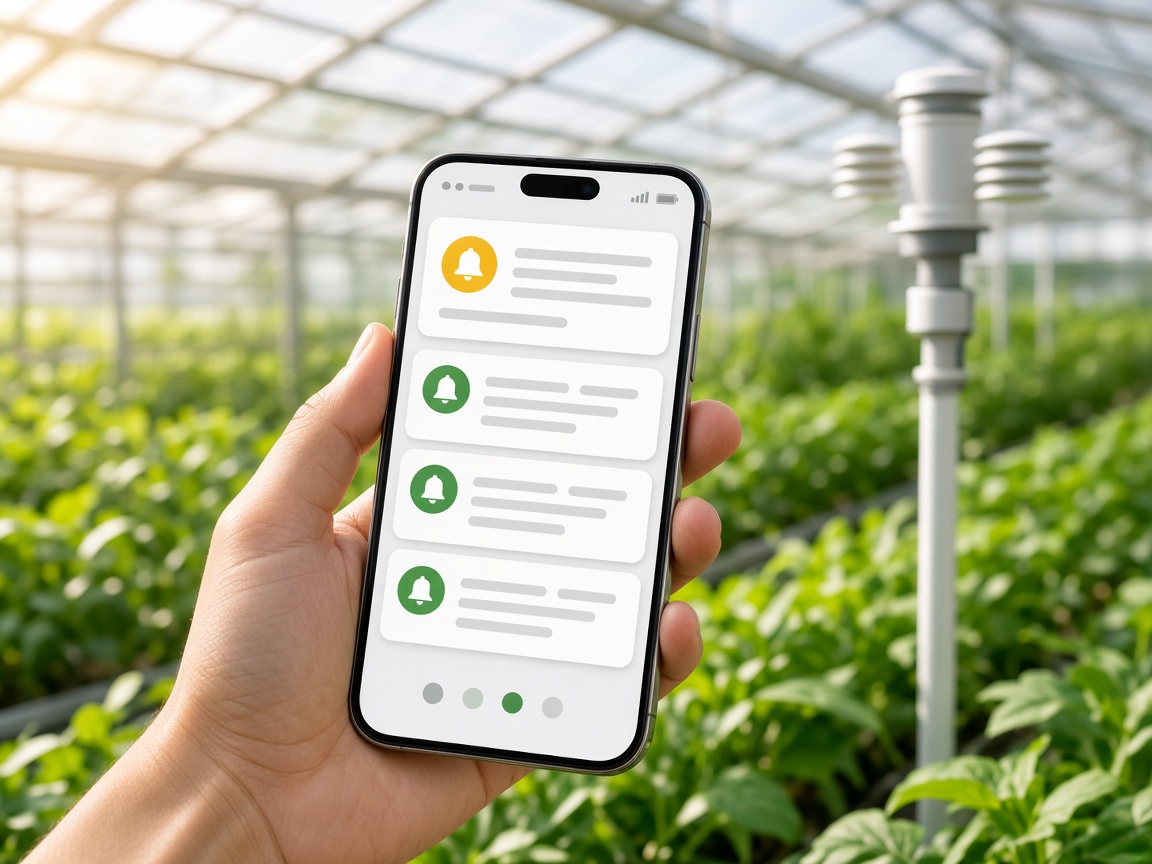
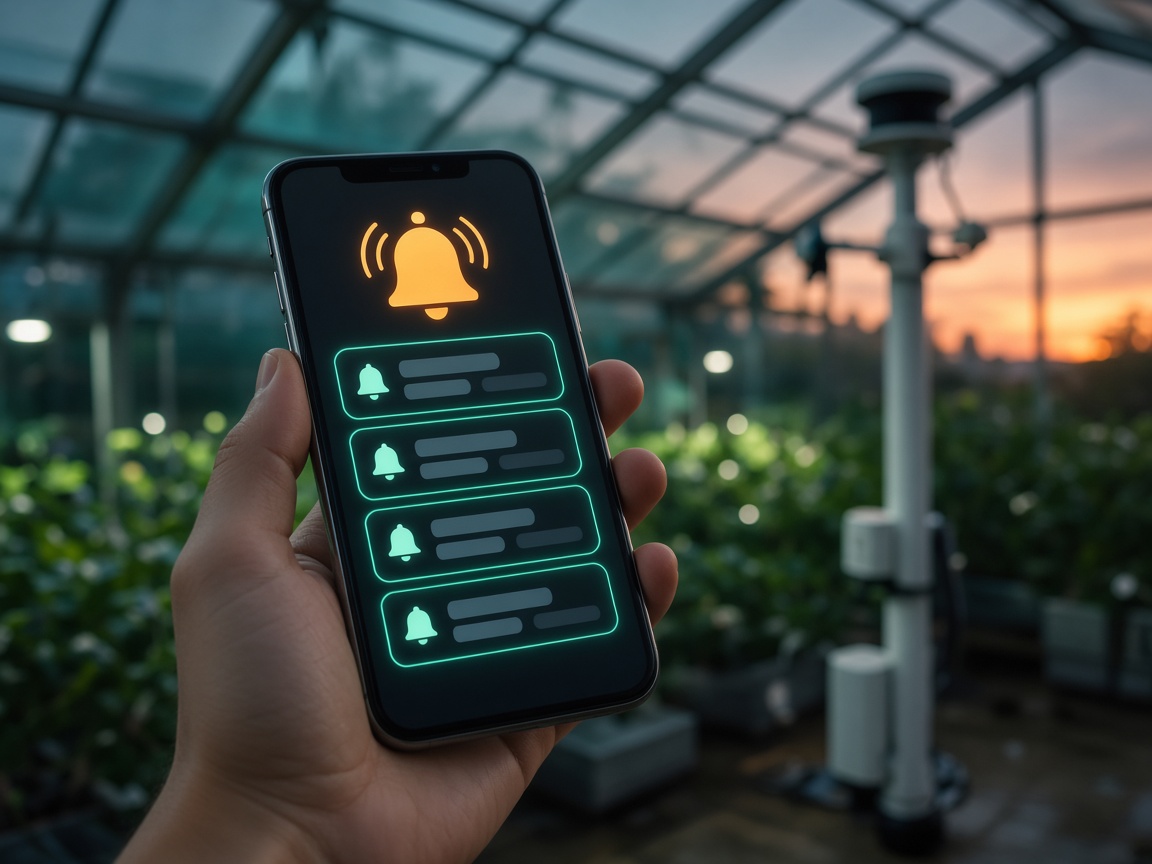
Alerts & commands
Threshold, offline and no-data rules reach you by inbox, email, push or webhook. Switches and sliders send commands and wait for the report back.
Data path
The broker accepts the publish on …/telemetry and holds the ack until ingestion has it.
The envelope is validated and fsynced to a durable stream. Only then does the device get its PUBACK.
One transaction stores the event, dedupes by message_id, and updates latest state and usage.
The reading is pushed to open dashboards over SSE and evaluated against your alert rules.
Makers
Students and individuals get a personal wallet and firmware that talks MQTT without running a broker, a database or a dashboard server.
Teams
Operators who can command devices, developers who write credentials, project admins, and shares that view or control without editing.

Enterprise
White-label console and landing on your hostname, one enterprise wallet for every organization, and invoice billing when you need it.

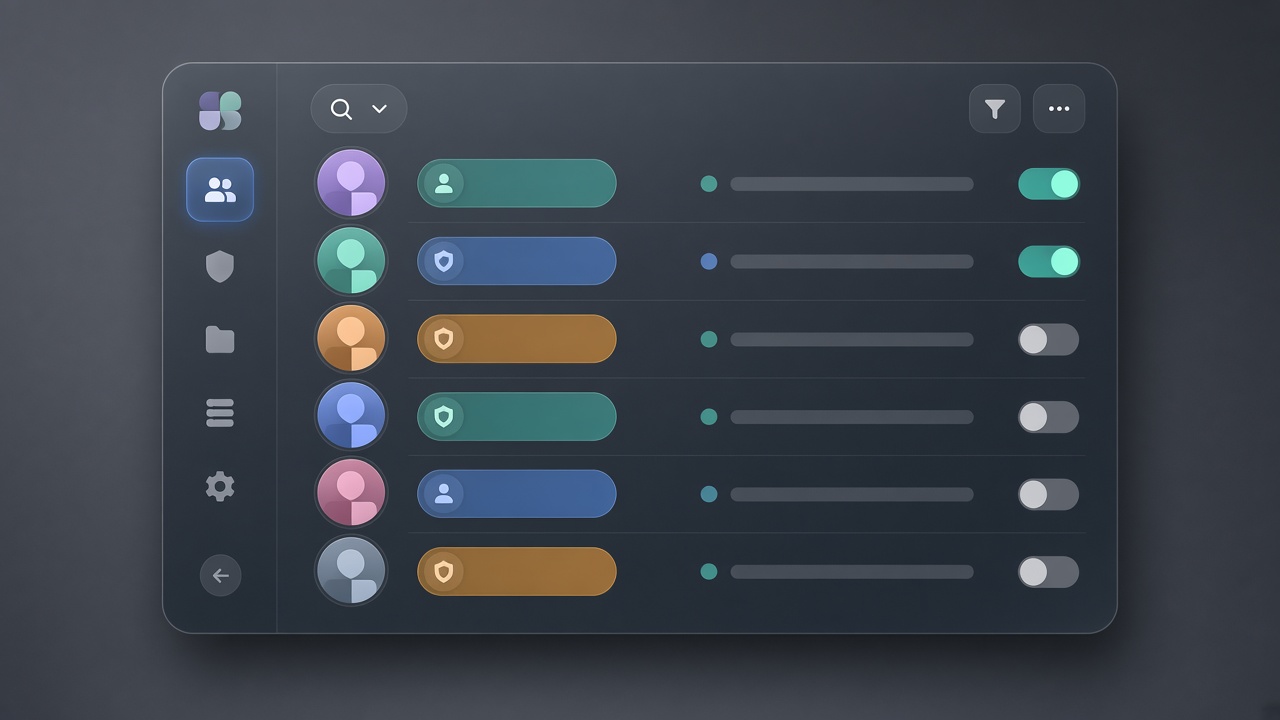
Energy
Aggregates turn second-level readings into day and week charts.
power_w · energy_kwh · voltage_v
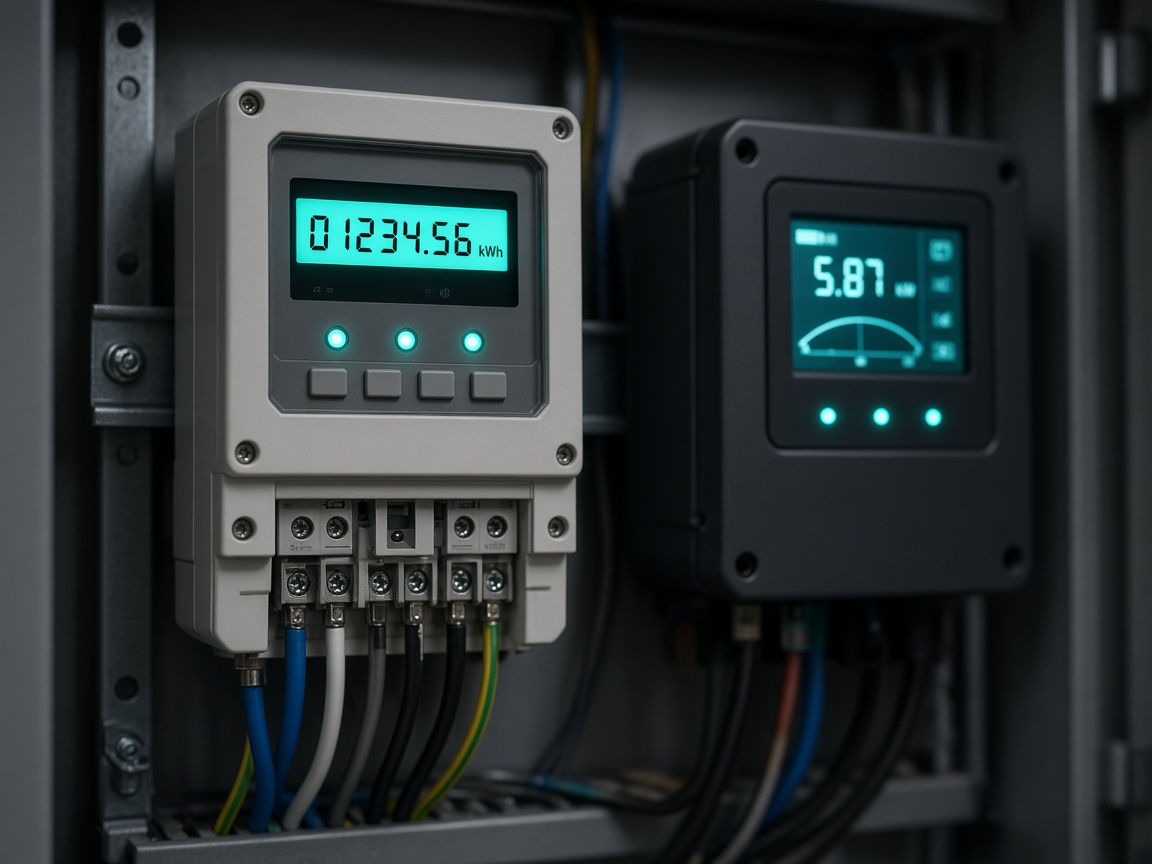
Buildings
One project per site, alerts when CO₂ stays high.
temperature_c · co2_ppm · occupancy
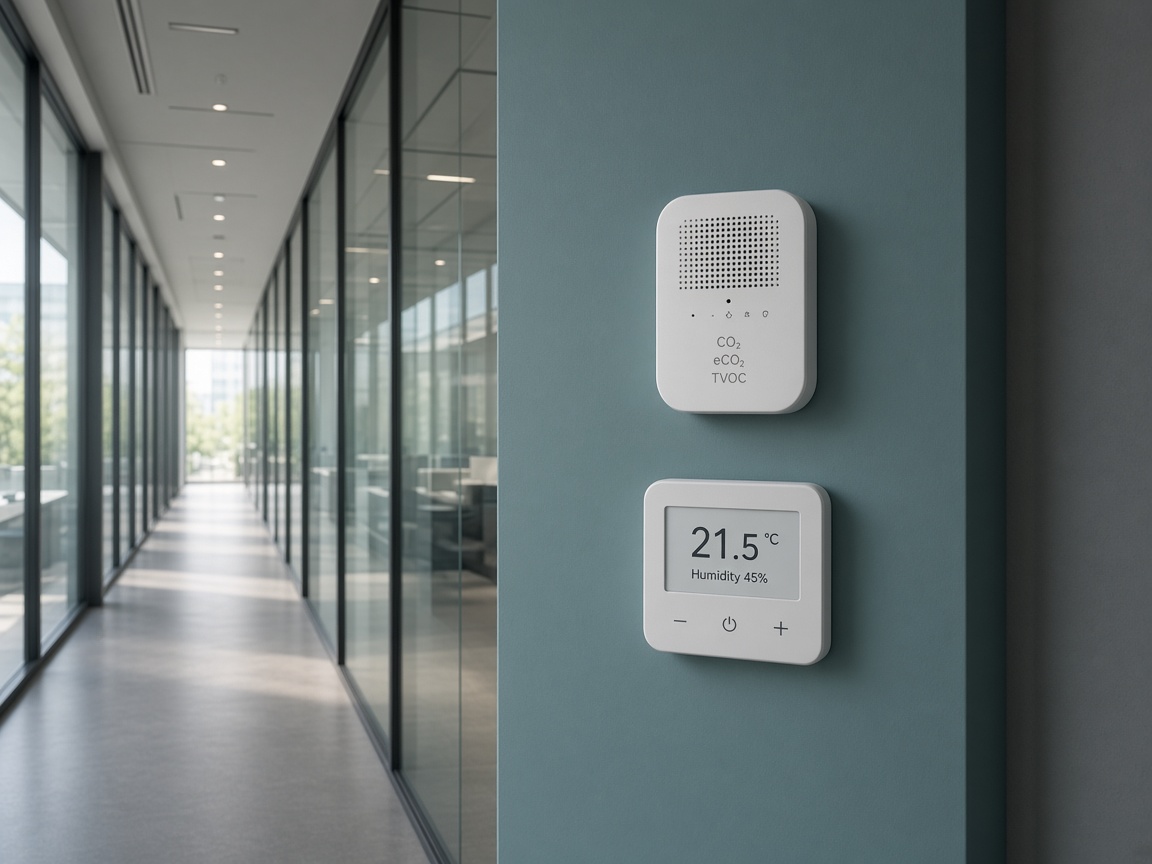
Agriculture
Switch a pump from the dashboard; the widget confirms the report.
soil_pct · relay_pump · battery_v

Industrial
Offline rules and signed webhooks into the tools ops already uses.
vibration_mm_s · state · runtime_h

Hourly billing
Top up by card, UPI or netbanking. Budgets and low-balance emails keep spending in check; nothing is stopped without warning.
See the ratesEnterprise
White-label console and landing, one wallet for every organization, monthly invoicing and volume pricing for fleets.
Enterprise sign-inDevelopers
One topic per device and one versioned JSON envelope. Any MQTT 5 or 3.1.1 client works, and the IoTAPS Arduino library wraps the contract for ESP32 and ESP8266.
mosquitto_pub -h mqtt.iotaps.com -p 8883 --capath /etc/ssl/certs \
  -V mqttv5 -q 1 -i "$DEVICE_ID" \
  -u "$CREDENTIAL_ID" -P "$SECRET" \
  -t "v1/$ORG/$PROJECT/$DEVICE/telemetry" \
  -m '{"schema_version":1,"message_id":"m-1",
"metrics":{"temperature_c":21.5}}'import json, uuid
import paho.mqtt.client as mqtt
client = mqtt.Client(mqtt.CallbackAPIVersion.VERSION2,
client_id=DEVICE_ID, protocol=mqtt.MQTTv5)
client.username_pw_set(CREDENTIAL_ID, SECRET)
client.tls_set()
client.connect("mqtt.iotaps.com", 8883)
msg = {"schema_version": 1, "message_id": str(uuid.uuid4()),
"metrics": {"temperature_c": 21.5}}
client.publish(TOPIC, json.dumps(msg), qos=1).wait_for_publish()import mqtt from "mqtt";
import { randomUUID } from "node:crypto";
const client = mqtt.connect("mqtts://mqtt.iotaps.com:8883", {
clientId: DEVICE_ID, username: CREDENTIAL_ID, password: SECRET,
});
client.publish(TOPIC, JSON.stringify({
schema_version: 1, message_id: randomUUID(),
metrics: { temperature_c: 21.5 },
}), { qos: 1 });Create an account, add a device from the library, and publish your first message.